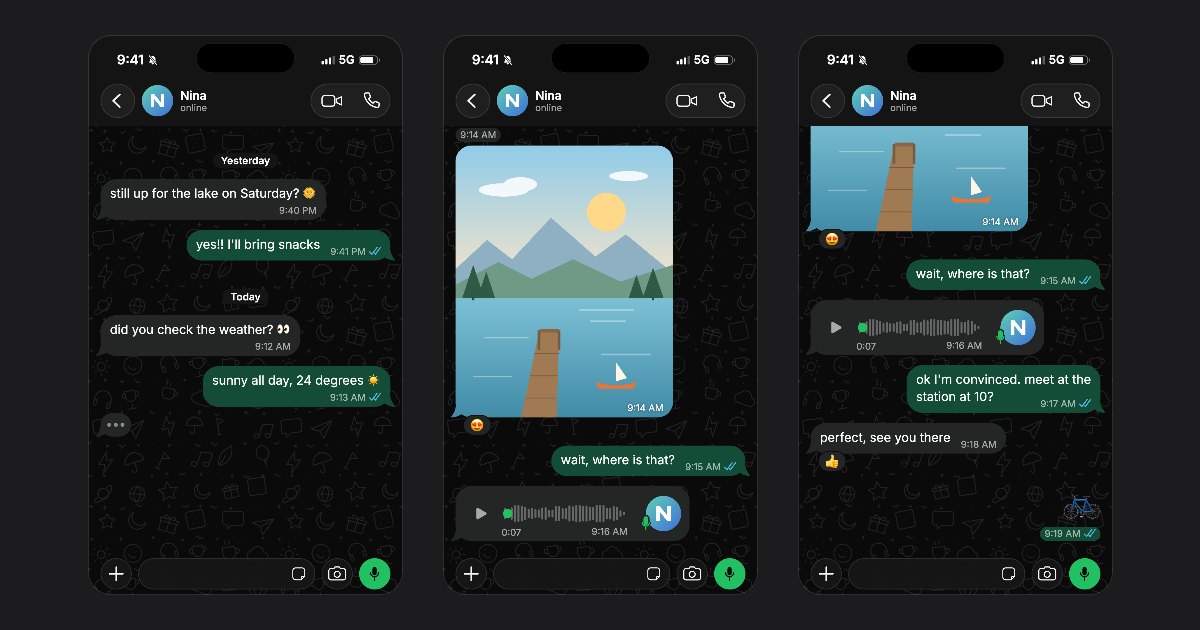
FakeDM.app started with Instagram DMs. As of today, it makes WhatsApp chats too: the same editor, the same free rules, and the look of WhatsApp down to the ticks.
What you can make
- Screenshots and videos. Save a PNG screenshot, or an MP4 video that plays the chat message by message, with sound.
- Light or dark. Both themes, with our own doodle wallpaper or a plain colour.
- Read ticks. One grey tick, then two, then two blue ones once the message is read. Turn Read receipts off and they stay grey.
- Voice messages. A waveform, the photo of the contact and a length such as 0:07.
- Reactions. An emoji under any message, on either side.
- Online or last seen. You choose what shows under the name of the contact.
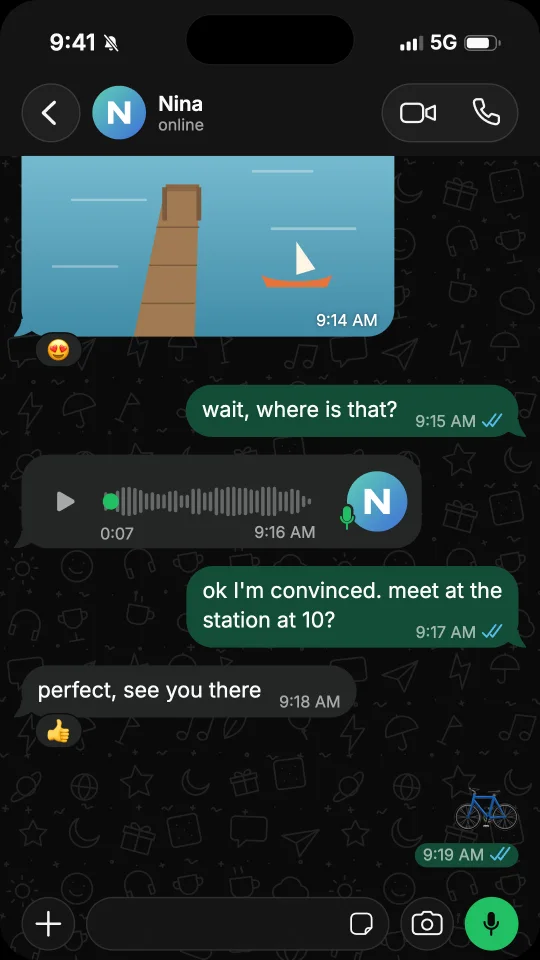
Start from a template
Six WhatsApp chats are ready on the WhatsApp templates page: Weekend plans, Cake order, Wrong chat, We need to talk, Lost courier and Job interview. Tap Use this template, then change every name, word and photo. Rather start blank? Open the WhatsApp chat generator and tap Start free.
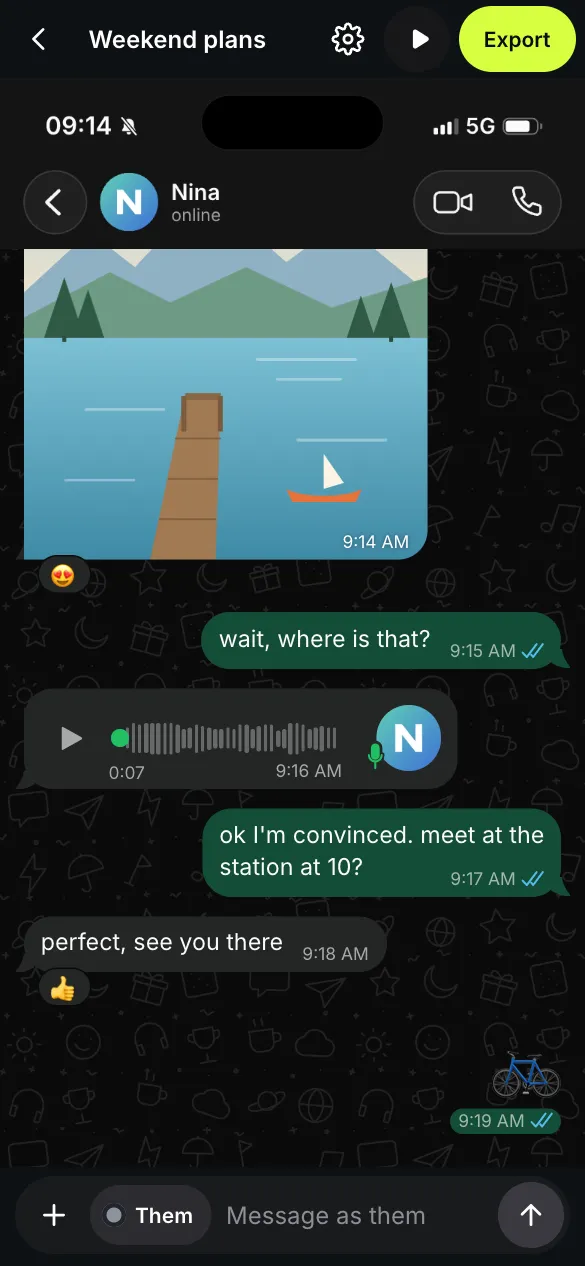
The same free rules
Screenshots are free, with no watermark. Videos are free too, with a small watermark and a short end card. Under Export, pick Story 9:16, Feed 4:5 or Square 1:1, each 1080 pixels wide. To remove the watermark, see the offers on the pricing page.
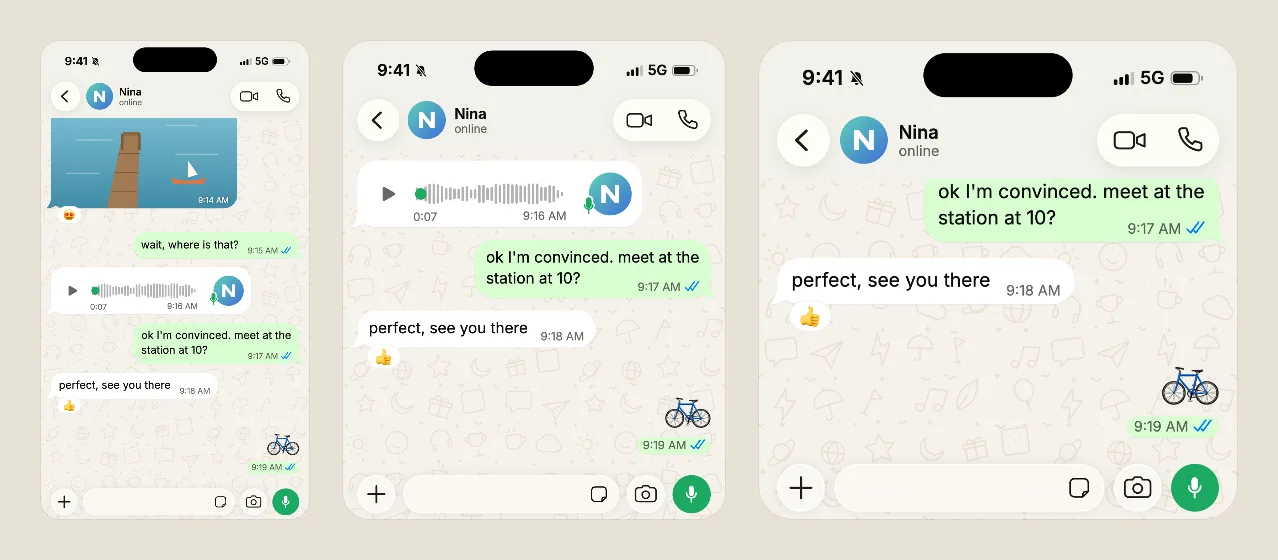
Already made a chat for Instagram? Open Settings, then App, and choose WhatsApp. Your messages stay as they are, and you can switch back at any time. A video unlocked without the watermark in one app counts as a new video in the other.
Mockups, never deception
FakeDM.app is not affiliated with, endorsed or sponsored by WhatsApp or Meta. Use it for fiction, skits, ads and mockups, never to impersonate anyone or to fake evidence. The rules are in the terms.