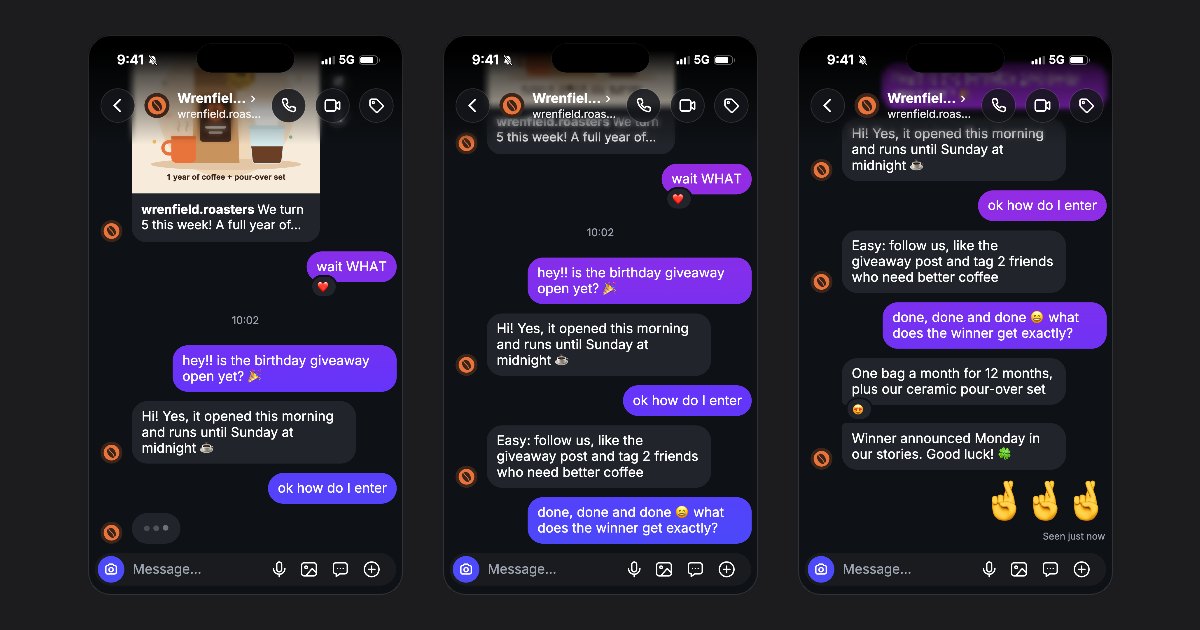
An Instagram chat video for Reels tells a fictional story through messages arriving on screen. In FakeDM.app, choose the vertical Story 9:16 format, write the exchange, preview its timing and export the animated conversation. The video includes typing dots and sound.
Give the conversation one clear idea
Start with a situation a viewer can understand from the first message. For a giveaway example, the follower asks how to enter and the brand answers with the requirements. For an event, the exchange can reveal the date, place and ticket instructions.
Use the templates for a starting structure. Replace the wording and names rather than adding unrelated information. This is a fictional scene, not proof of a customer's experience.
Write for a phone screen
Open the Instagram DM generator. Keep each bubble short enough to read comfortably. Split a long answer into two messages when that makes the conversation easier to follow. Use a shared post or photo when it contributes information rather than repeating the text.
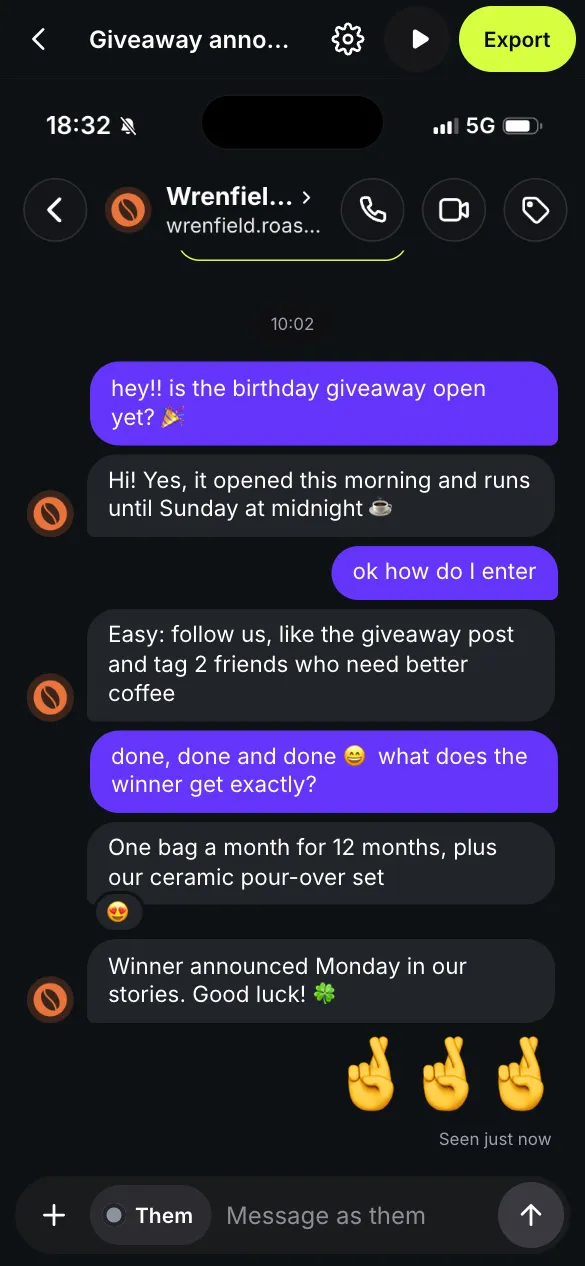
Choose Story 9:16
In Export, choose Story for the vertical 9:16 format, 1080 pixels wide. Feed and Square are also available, but give the conversation different proportions. Preview the vertical version before downloading.
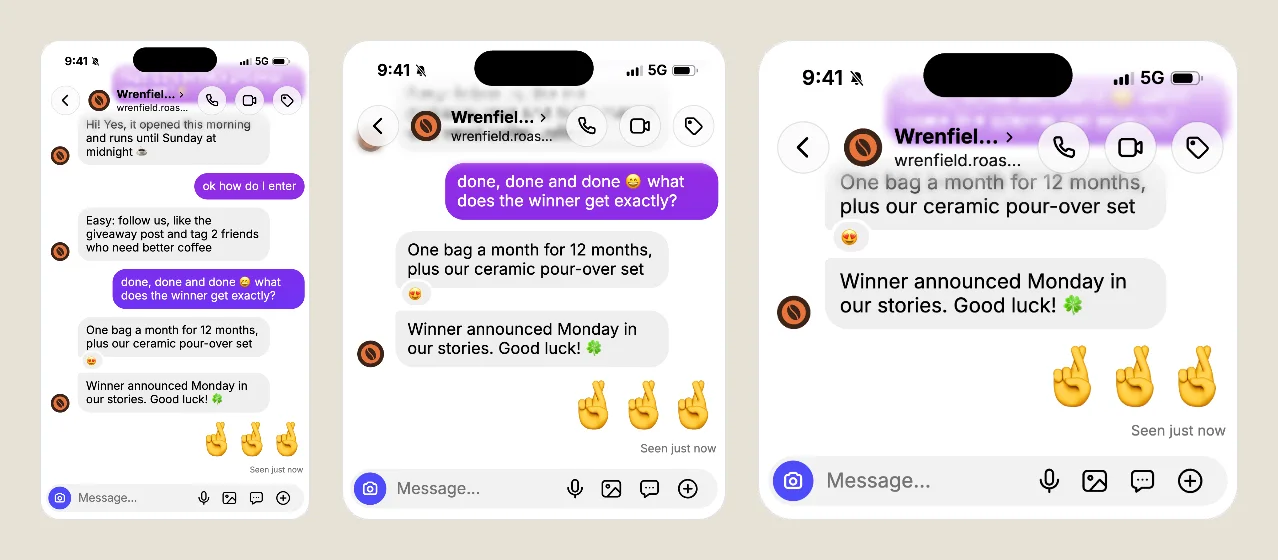
Adjust the timing by reading the preview
Open Settings and adjust Typing speed and Gap between messages. Then use Play preview and read every bubble as if you were seeing it for the first time. If you cannot finish a message before the next one arrives, lengthen the gap or simplify the wording.
A pause before a reveal can support the story. Too many pauses make a simple exchange feel slow. For detailed controls, follow the step-by-step video guide.
Export and check the finished file
Choose Video (MP4) under Export. Some browsers export WebM instead. Check the downloaded file, including its sound and ending, before publishing it on Instagram. Free videos have a small watermark and an end card; the pricing page explains the options to remove them.
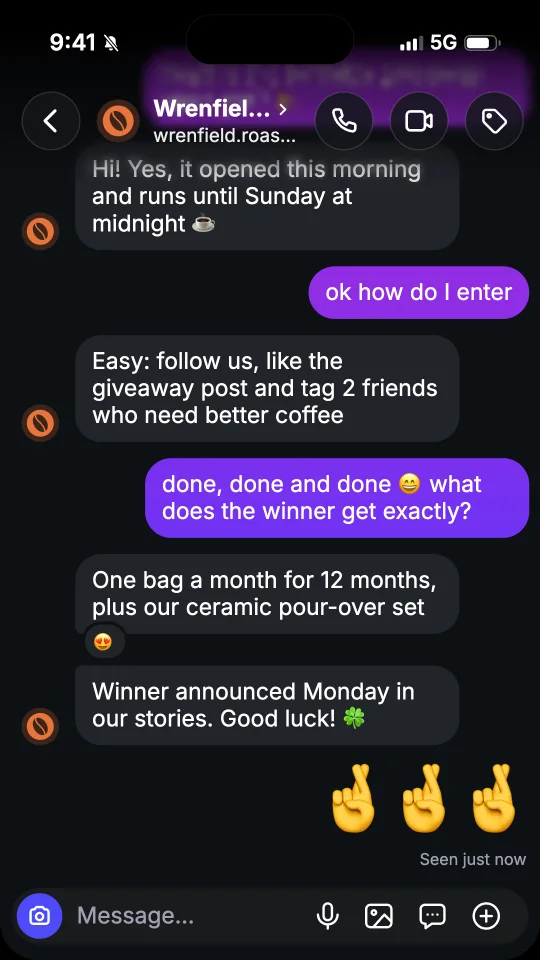
Use fictional characters or profiles you have permission to represent. Make the context clear whenever a viewer could mistake the video for a real conversation. Open an editable template to build your first scene.