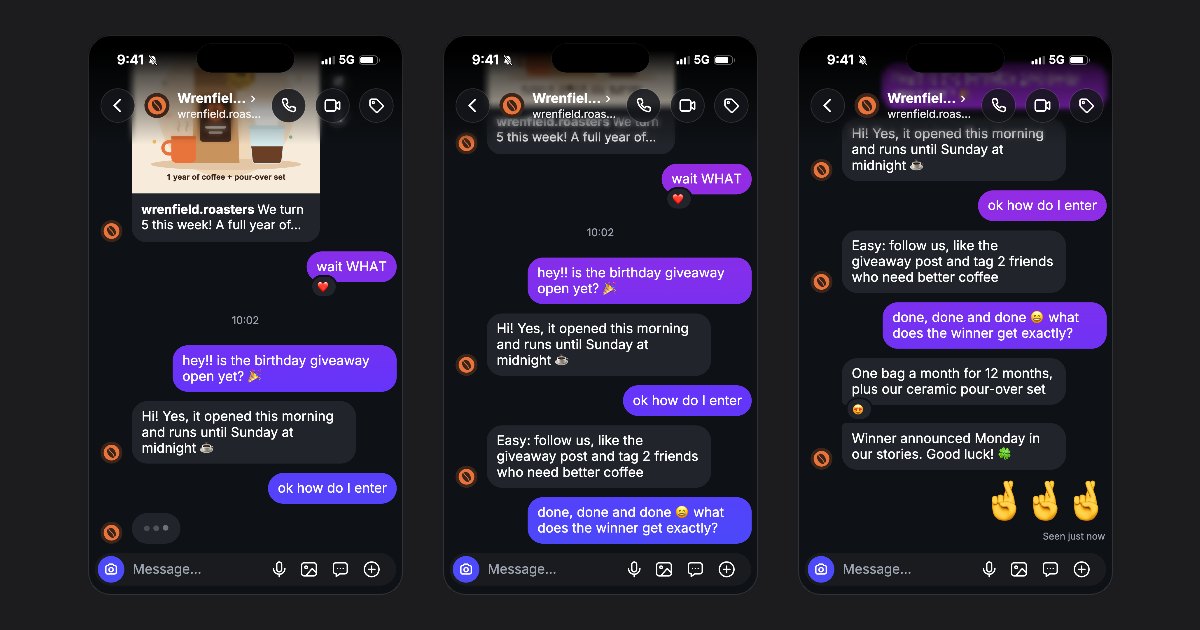
A fake Instagram DM screenshot is an image of a fictional conversation. With FakeDM.app, you can edit the profile and messages, then download a PNG without a watermark. No account is needed to make a screenshot.
Start with a conversation you can edit
Open the Instagram DM generator and choose a blank chat or one of the editable templates. For a brand announcement, the Giveaway announcement template provides a worked example: a follower asks how to enter a coffee giveaway and the brand explains the rules.
Change the prize, closing date and entry requirements to match your fictional scene. For a design presentation, replace them with sample copy and make it clear that the conversation is a mockup.
Set the profile and write both sides
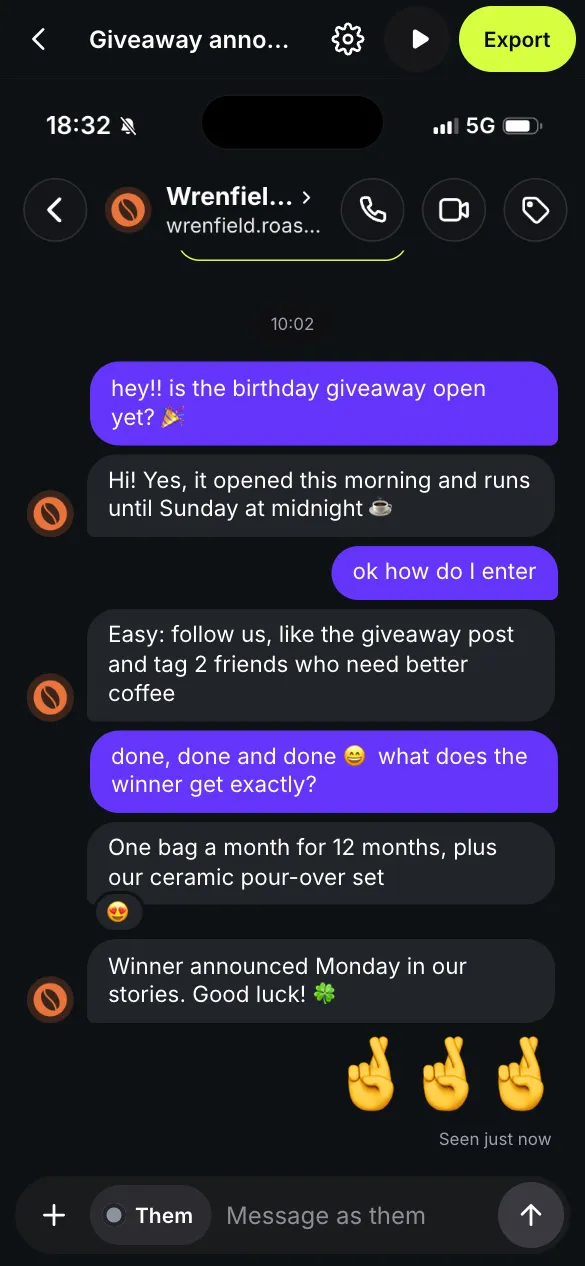
Open Profile from the chat header. Edit the name, username and photo using a character or a brand you have permission to represent. Type each message into the field at the bottom. Switch between Me and Them to choose which side speaks.
Keep the screenshot readable: a question, an answer and a follow-up often communicate more clearly than a full page of explanation. Photo messages, shared posts and emoji reactions can add context when the scene needs it.
Choose the shape of the image
Under Export, choose Story 9:16, Feed 4:5 or Square 1:1. Each format is 1080 pixels wide. Story gives more vertical space to a conversation; Square suits a shorter exchange.
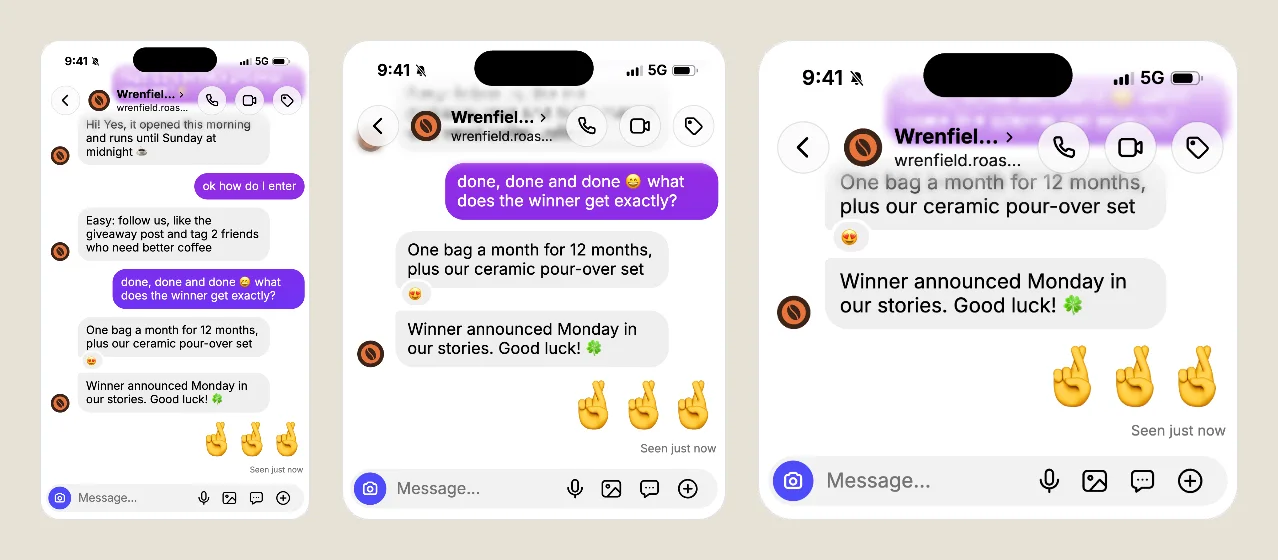
Download the PNG
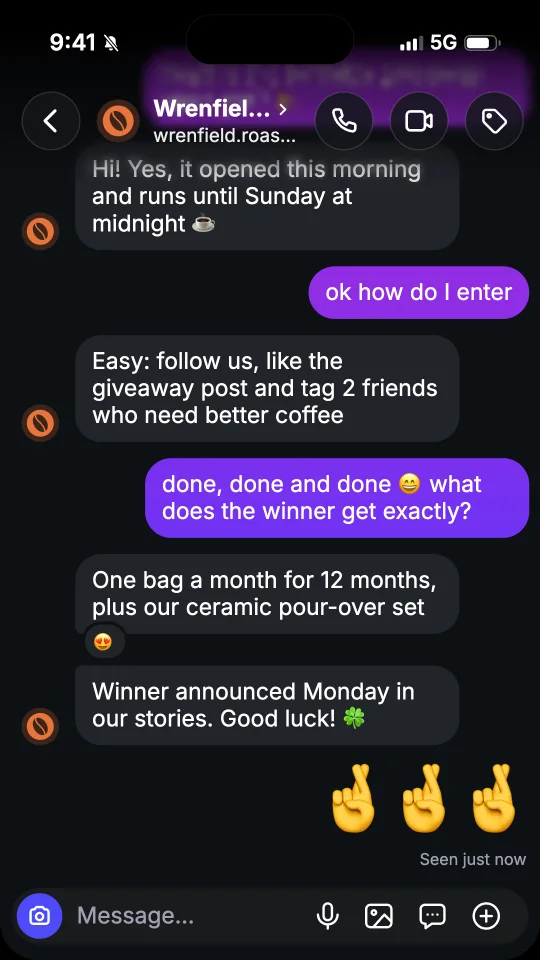
Choose Image (PNG). Screenshots are free and have no visible watermark. If the conversation is longer than one screen, the tool exports a series of screenshots covering the chat. Check each image before publishing so that an important answer is not separated from its question.
Screenshot or animated video?
Choose a screenshot when the reader should see the exchange at once. Choose a video when pauses, typing dots or the arrival of a message are part of the story. The video guide explains the timing and export controls. Free videos include a watermark and an end card; see pricing for the options to remove them.
Use these images for fiction, design mockups and clearly presented examples. Do not pass them off as messages sent by a real person. Start with an editable conversation template.