FakeDM.app started with Instagram DMs, then WhatsApp chats, TikTok DMs, iMessages and text messages. As of today, it makes Snapchat chats too. The same editor, the same free rules.
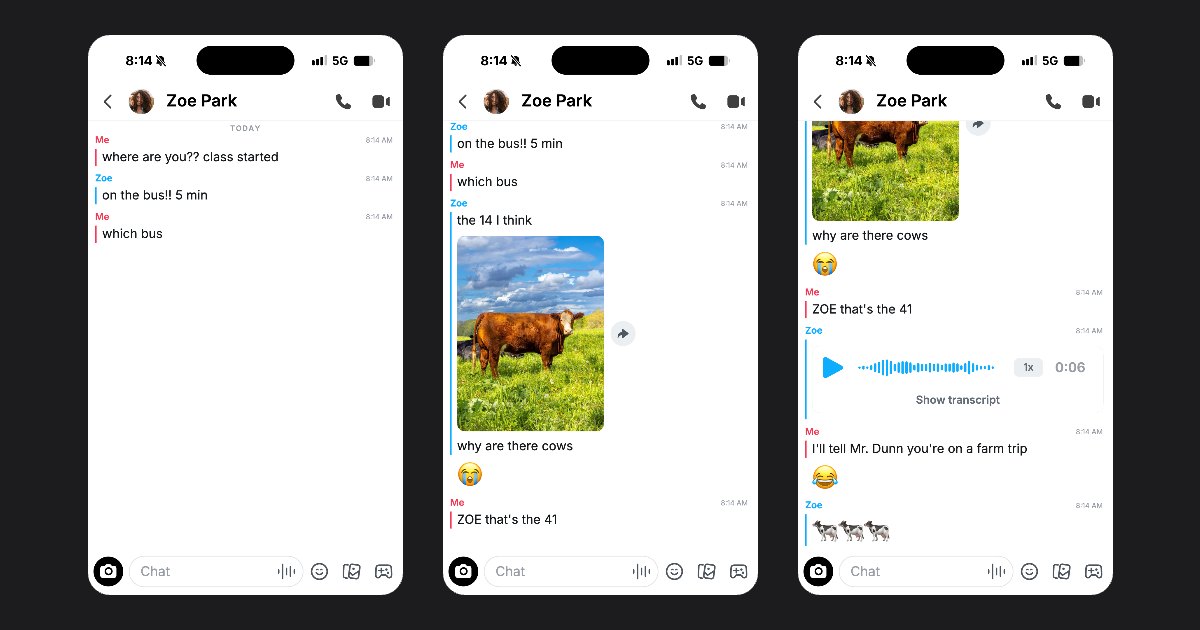
A chat with no bubbles
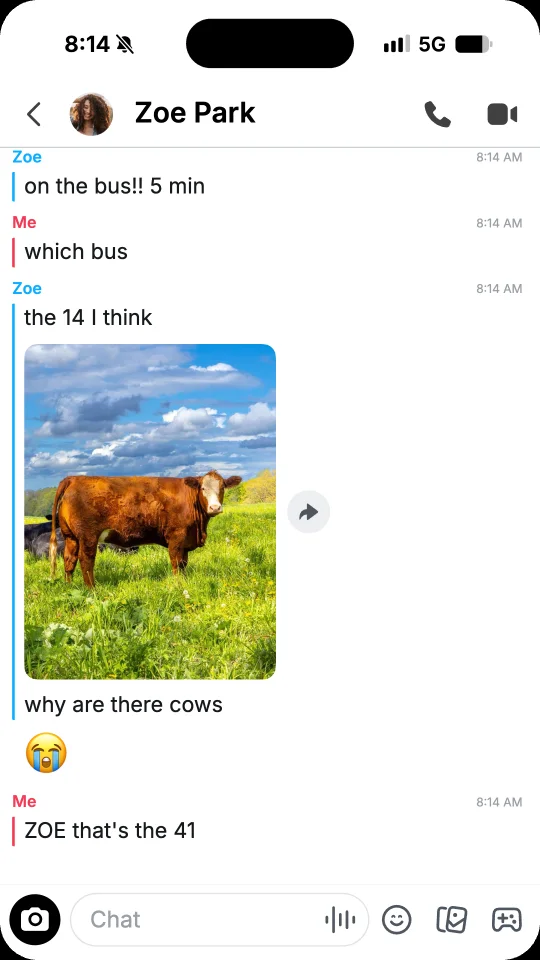
- Names instead of bubbles. Each run of messages sits under its name, Me in red or the first name of the contact in blue, with a bar of the same colour along it.
- Screenshots and videos. Save a PNG screenshot, or an MP4 video with sound where your message stays grey for a beat once sent. With the keyboard on, what you type shows in the message field.
- Voice messages and photos. A voice message on its card, with its waveform, its speed and its length, and photos with their share button.
- Reactions. Tap a message, then React, and pick an emoji: it shows under the run, on their messages or yours.
- Days in capitals. TODAY, YESTERDAY or a day of the week sit between the messages.
- One light look. As on the phone, the chat stays light, whatever the theme of your project.
The contact and the top bar
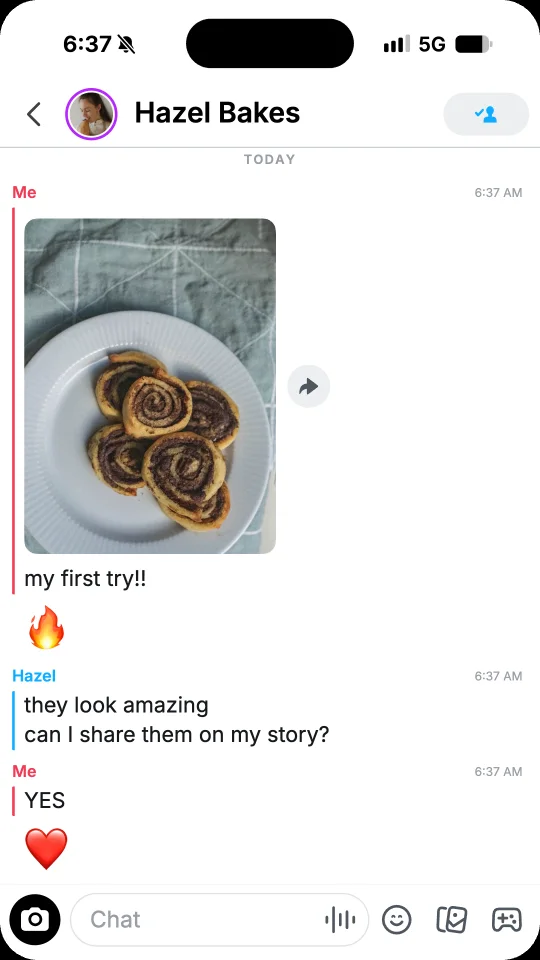
In Contact, set the name and the photo of the contact: their messages show the first word of the name above them, and a contact without a photo gets a figure in a colour of its own. In Settings, Story ring puts a blue or a purple ring around the photo, Top bar shows the call buttons of a friend or the button that adds someone new, and Times shows the time of each run by its name.
Start from a template
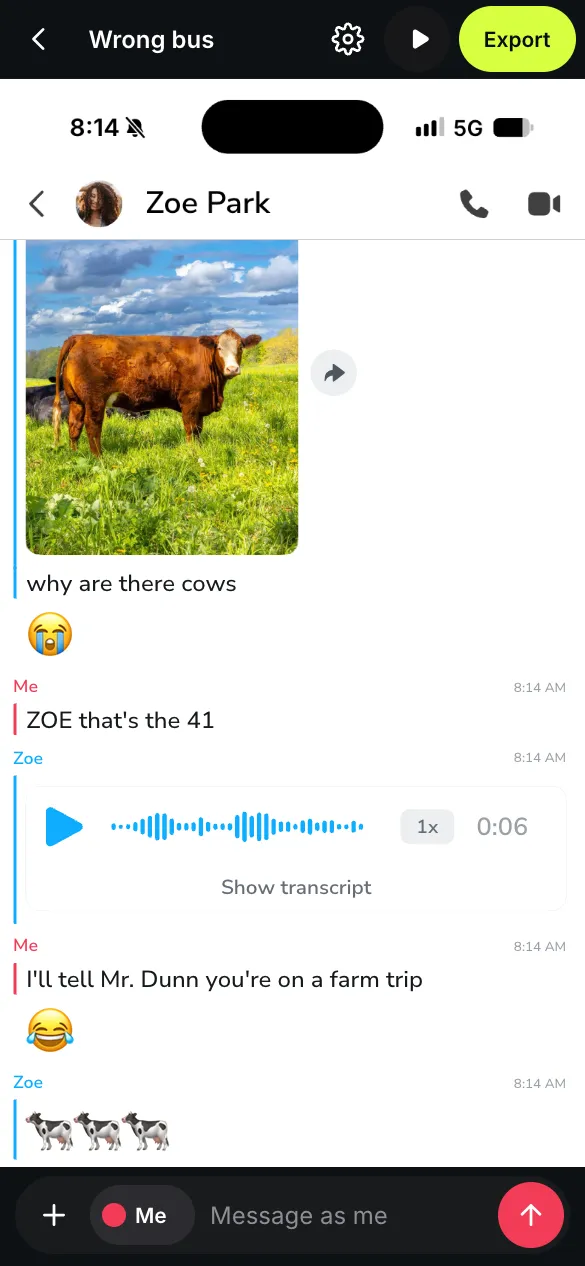
Five chats are ready on the Snapchat templates page: Wrong bus, The jacket, Snow day, Front row and The recipe. Tap Use this template, then change every name, word and photo. Rather start blank? Open the fake Snapchat chat generator and tap Start free.
The same free rules
Screenshots are free, with no watermark. Videos are free too, with a small watermark and a short end card. Under Export, pick Story 9:16, Feed 4:5 or Square 1:1, each 1080 pixels wide. To remove the watermark, see the offers on the pricing page.
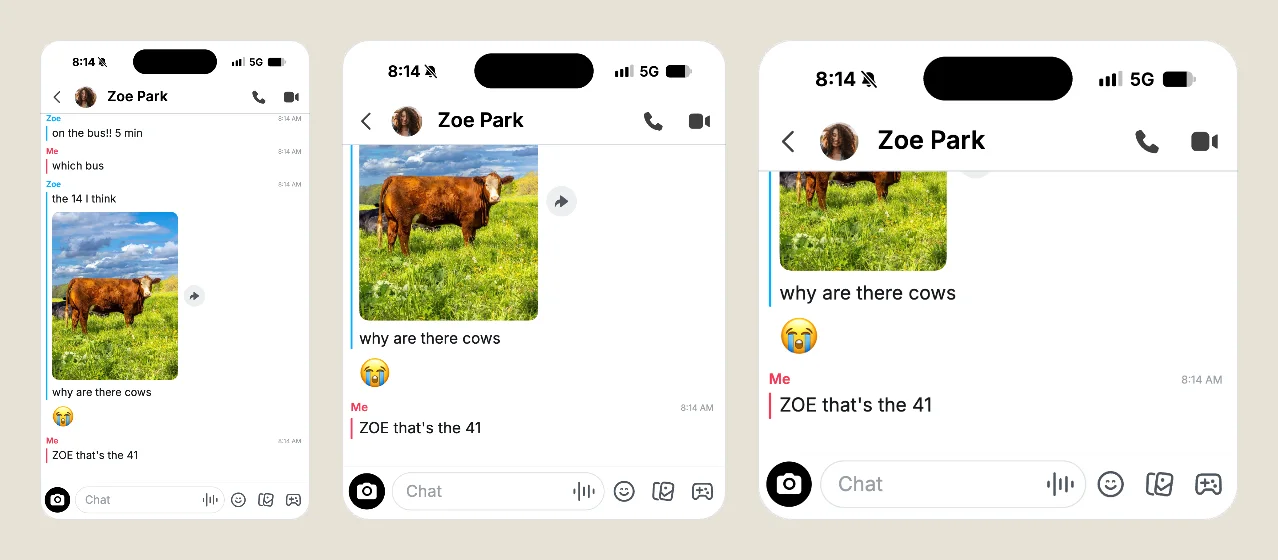
Already made a chat in another app? Open Settings, then App, and choose Snapchat. Your messages stay as they are, and you can switch back at any time. A video unlocked without the watermark in one app counts as a new video in Snapchat, and switching it back to the app it was unlocked in keeps it unlocked.
Mockups, never deception
FakeDM.app is not affiliated with, endorsed or sponsored by Snapchat or Snap Inc. Use it for fiction, skits, ads and mockups, never to impersonate anyone or to fake evidence. The rules are in the terms.